How to install Azure CLI on Linux
To install Azure CLI on SUSE/OpenSUSE, choose one of the following methods:
- Use the Enterprise package provided by SUSE in the SUSE/OpenSUSE repositories and shown in this post below
- Use the installation method described in the “Install script (any)” tab.
- Install from Microsoft repositories
For other distributions you will find in the following article by Microsoft https://learn.microsoft.com/en-us/cli/azure/install-azure-cli-linux.
I will use the first method by installing it from the SUSE repositories.
# zypper install -y azure-cli
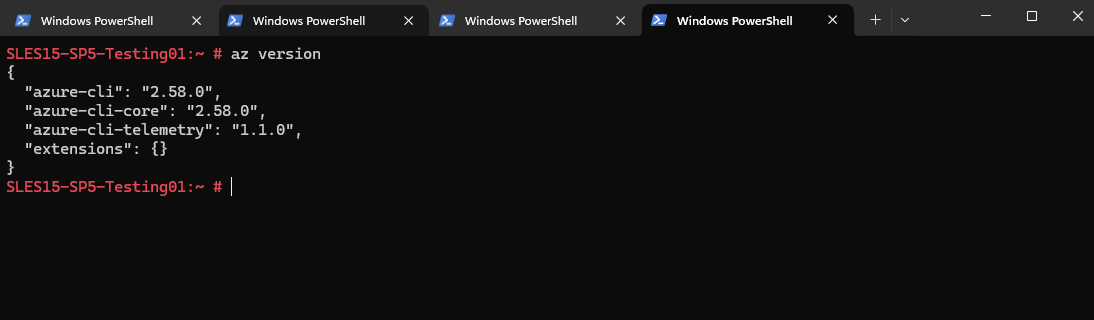
To determine the installed version we can run:
# az version
Links
Install the Azure CLI on Linux
https://learn.microsoft.com/en-us/cli/azure/install-azure-cli-linux